Bring your archive
with you.
Moving to PYLOS should not mean rebuilding years of artwork records from zero.
If your archive already lives in a spreadsheet or another artwork-management system, PYLOS is being designed to help preserve that information and translate it into a connected record.
- CSV
- XLSX
- JSON
- Artwork database
- Artwork
- Production variant
- Physical unit
- History
Source structure can change. Information should not disappear.
Your archive already contains
years of work.
Moving systems should not mean manually recreating all of it.
PYLOS is being built around migration, not lock-in.
- Titles
- Dimensions
- Edition numbers
- Owners
- Locations
- Sales
- Exhibitions
- Provenance
- Contacts
- Images
- Documents
Preserve the information.
Rebuild the relationships.
Migration is not simply one source row equals one PYLOS artwork.
- Untitled40 × 6003 / 15
- Untitled40 × 6004 / 15
- Untitled80 × 12001 / 7
Untitled
40 × 60
- Unit 03 / 15
- Unit 04 / 15
80 × 120
- Unit 01 / 7
Migration should preserve not only values, but the relationships between them.
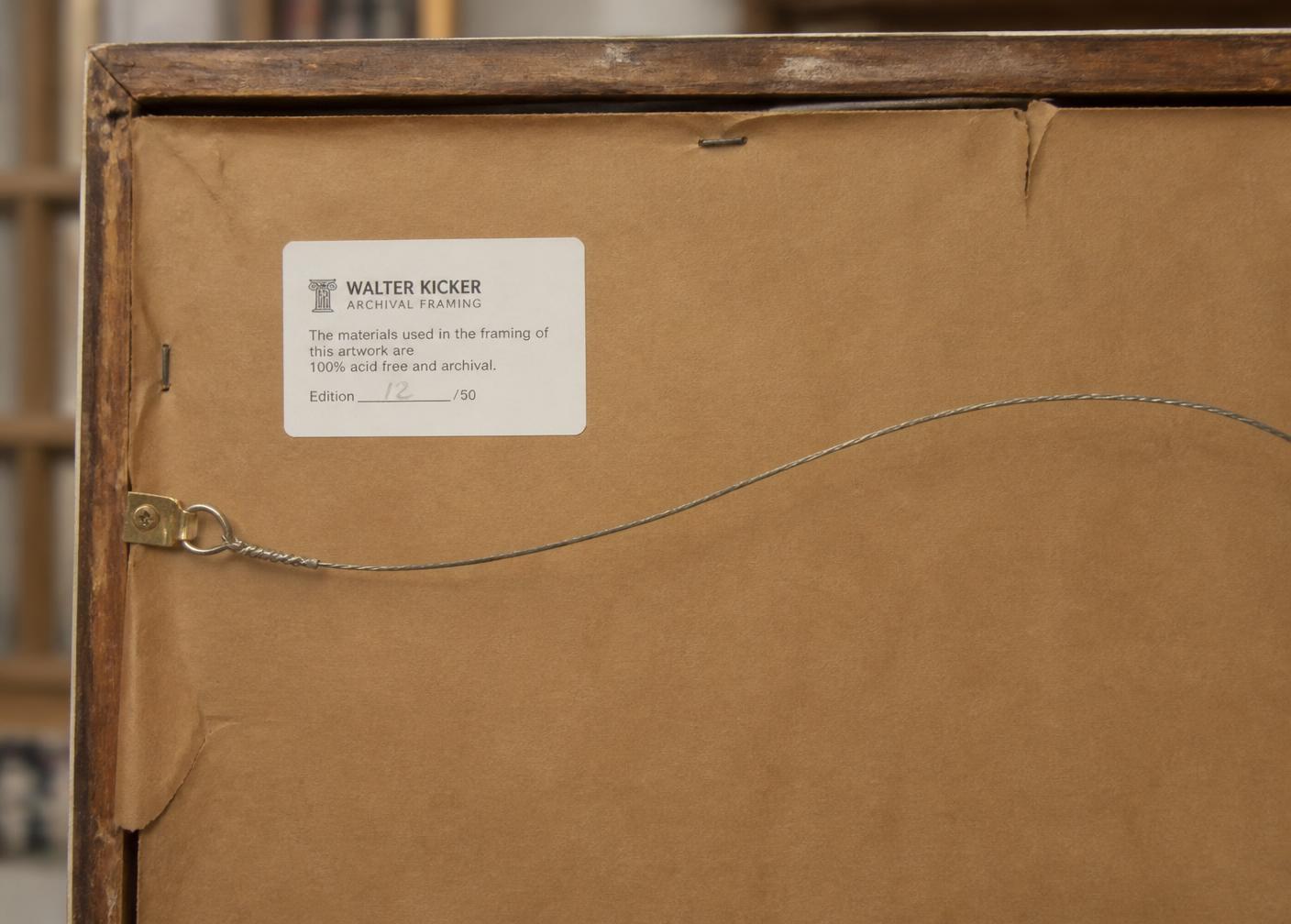
Most archives began on paper, in labels, in folders and in spreadsheets. Migration starts from what already exists.
From export
to connected record.
Export structured records from your current system. Typical examples: CSV, XLSX, JSON and media folders.
Bring the export into PYLOS, or share it with us during early migration support.
Match source fields to the PYLOS model.
- Title
- Artwork
- Medium + dimensions
- Production variant
- Edition number
- Physical unit
- Owner
- Ownership
- Location
- Location
- Sale date
- Event
Review relationships, duplicates, unknown values, ambiguous records, missing edition numbers and possible contact or location matches.
Create PYLOS records only after the mapping has been reviewed.
Where is your archive
today?
Different systems.
One migration process.
PYLOS is being designed to translate structured exports from different systems into one connected artwork model.
If your current system can export structured data, talk to us.
- Spreadsheet / Excel
- Artwork Archive
- Artlogic
- ITGallery
- Art Galleria
- Artwork Codex
- ArtCloud
- CatalogIt
- WrkLst
- Other systems
Your data should not disappear
in translation.
- Title
- Artist
- Year
- Medium
- Dimensions
- Edition size
- Edition number
- AP
- Production details
- Owner
- Custodian
- Location
- Status
- Sales
- Exhibitions
- Loans
- Consignments
- Movements
- Contacts
- Locations
- Images
- Documents
Exact migration depends on the information available in the source archive.
Better a warning
than a silent loss.
Preserve what is known.
Do not invent what is not.
When source information cannot be translated confidently into the PYLOS model, it should remain reviewable rather than being silently discarded or turned into false certainty.
- Duplicate IDs
- Unknown values
- Incomplete edition records
- Ambiguous relationships
Conceptual representation. Migration tooling is in development.
The archive is
more than rows.
Artwork images, certificates and related documentation may also need to move. PYLOS is being designed so those materials can remain connected to the correct records where the source archive allows it.
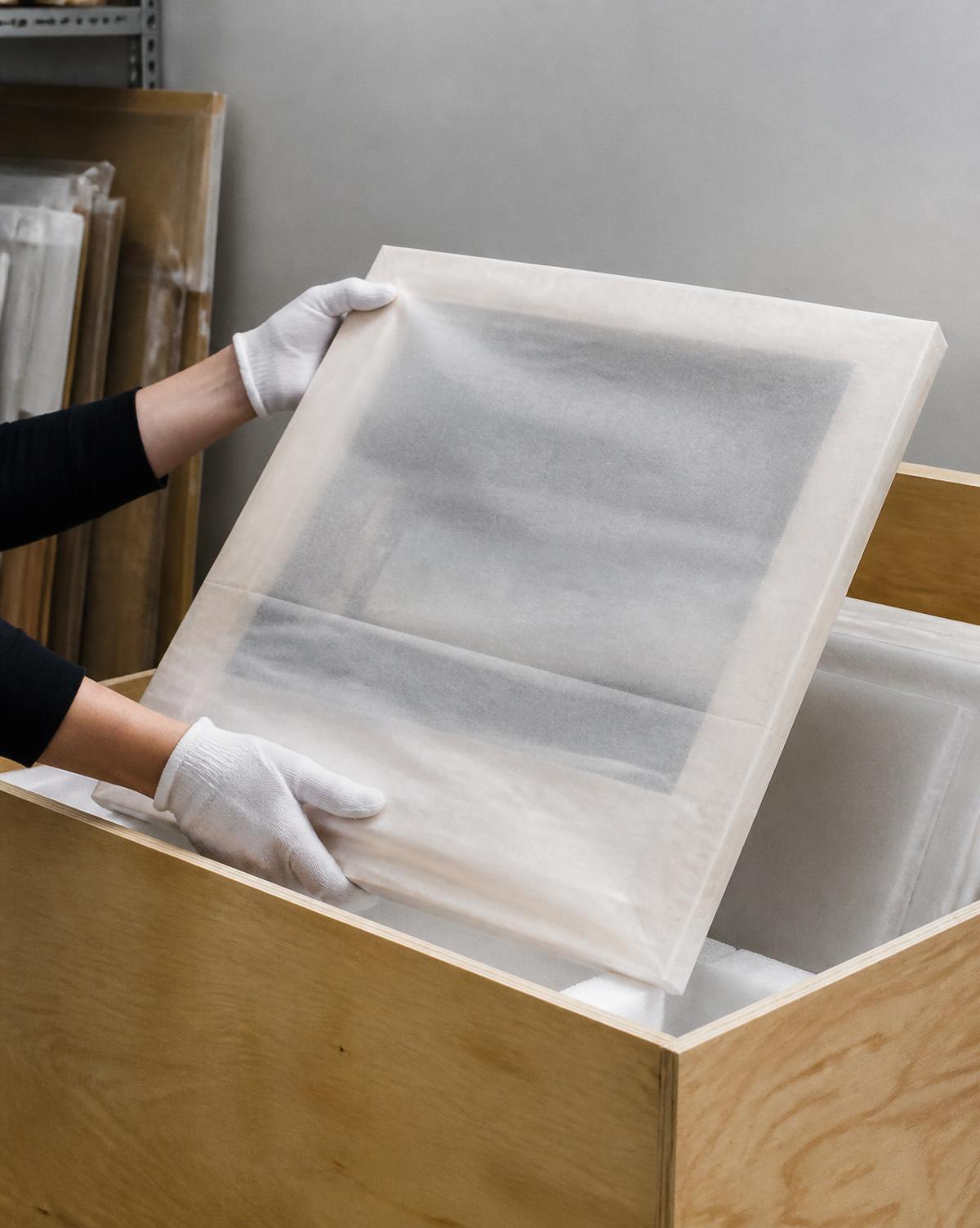
Different archives.
Same principle.
- Photograph
- Print variant
- Physical unit
- Artwork
- Production
- Ownership / location history
- Artwork
- Consignment
- Movement
- Collector
- Artwork
- Acquisition
- Location
- Loan / history
Have a real archive
we can learn from?
During early access, we're interested in working directly with selected artists, photographers, galleries and collectors who already maintain structured archives.
Real migrations help us understand how artwork records are actually organised across different systems.
Your archive belongs to you.
Built around your archive.
PYLOS is being designed around the idea that your archive should remain yours — not around trapping it inside one system.
Bring your archive
with you.
Start with the records you already have.